Upload your model
If you already work with a model, upload her photo and Studio uses it as a reference. Your catalog keeps a familiar face, even without a shoot.
A virtual model for clothing is the person who wears your garments in your store's photos, generated with AI and with no photo shoot. With Stilaro Studio, any online fashion store chooses who that is: its own model, one created from a description or one of the ready-made models.
Free plan with 30 credits per month. No card and no lock-in.
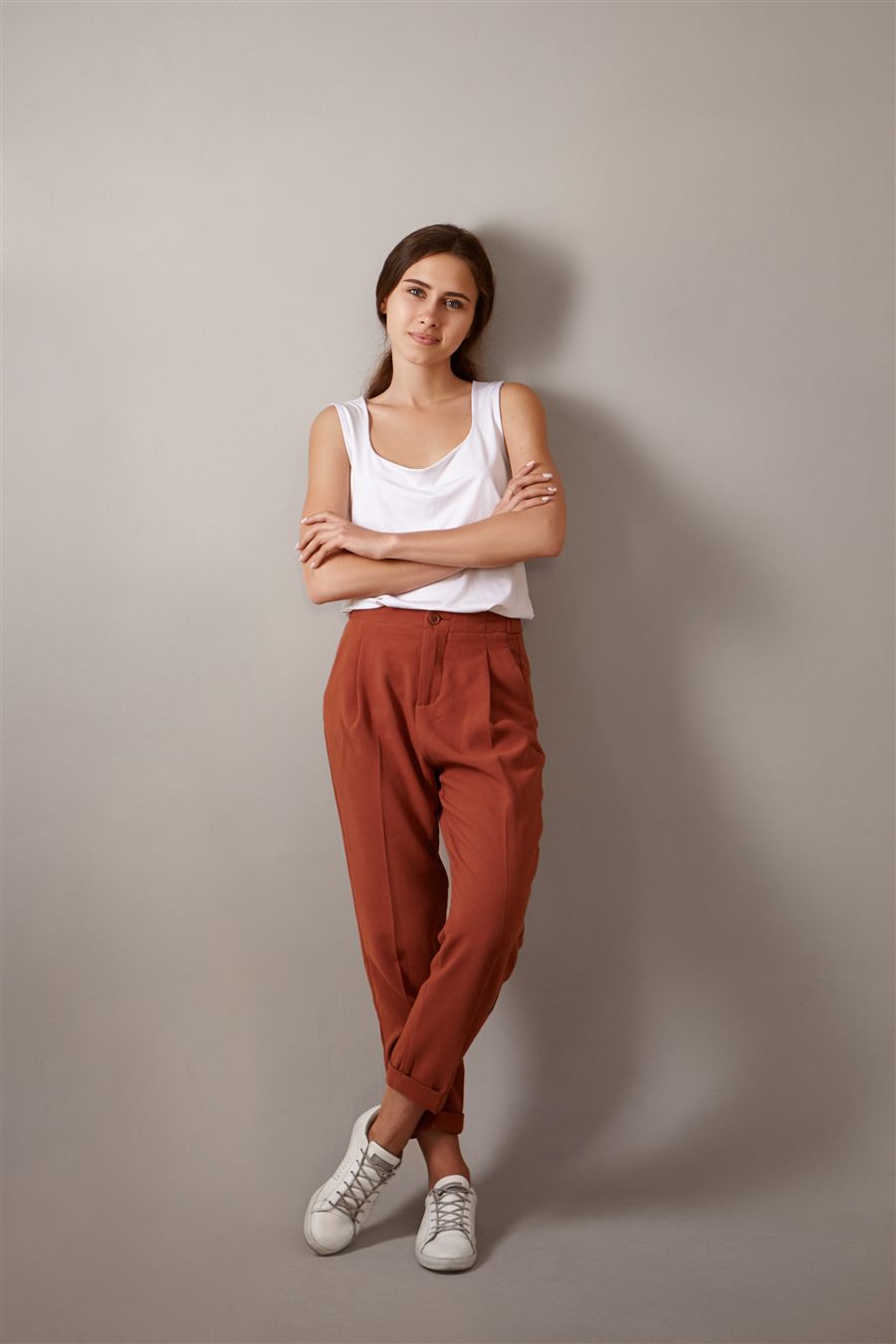
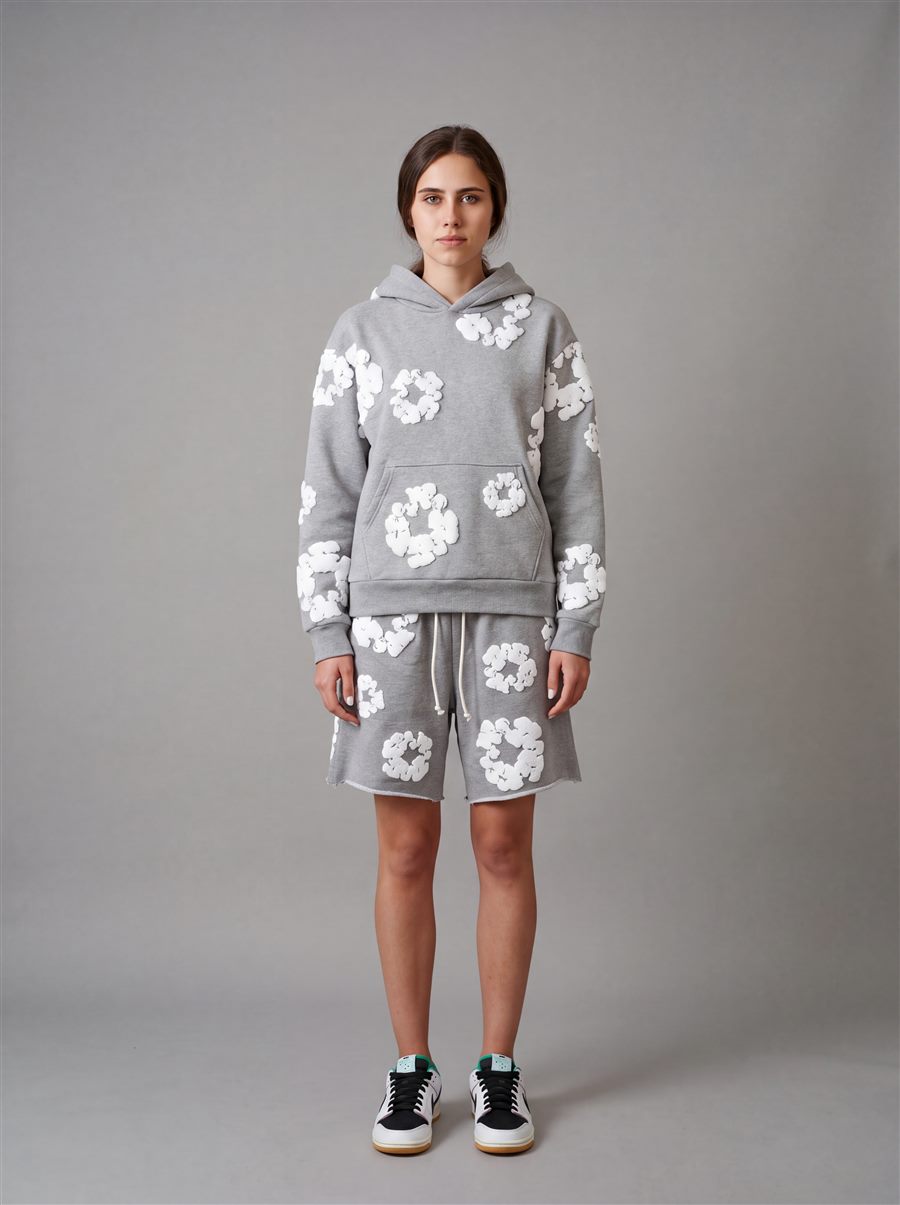
You pick the model before generating. Change her for every photo, or set one and use her every time.
If you already work with a model, upload her photo and Studio uses it as a reference. Your catalog keeps a familiar face, even without a shoot.
Describe her in words: approximate age, hair, features, build, attitude. Studio generates her from that description and suggests her for your photos.
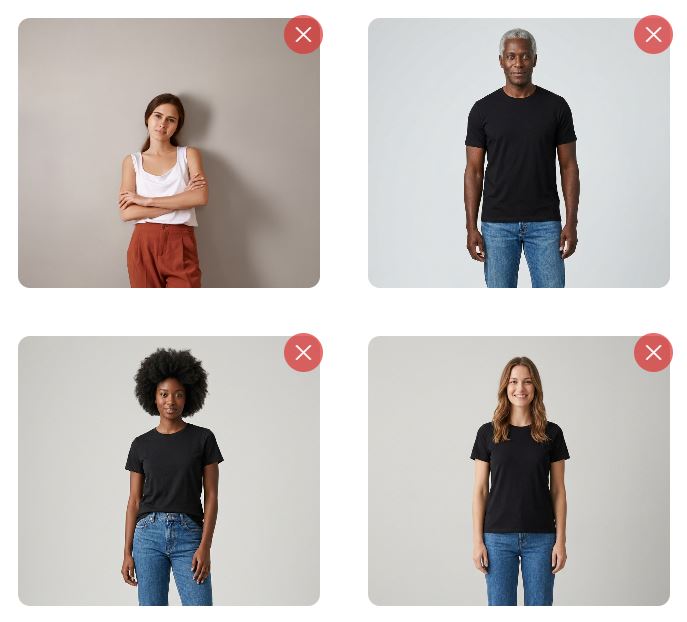
Studio comes with models ready to use. It's the fastest way to start creating on-model photos without preparing anything first.
A catalog where every garment is worn by a different person looks pieced together from photos of all sorts of origins. When the same model appears across the whole collection, the store looks like a brand and shoppers can compare garments more easily.
That's what the library of saved models is for: you save your model, your own or one created with AI, and pick her for every generation. You can have several, for example one for womenswear and one for menswear, or one per product line.
The pose changes what the photo says. A front pose shows the cut; a walking pose, how the fabric falls.
Front, 3/4, walking, seated and more. Choose the one that shows off the garment best.
Select several and Studio generates one photo per pose, with the same model and the same garment. That way you complete the product gallery in one go.
If your brand has its own way of posing, save it as a custom pose and reuse it for your next garments. Available on paid plans.
From your store's catalog or by uploading a photo from your device. You can add several photos of the same garment and a note about the fabric, the length or a detail you can't afford to lose.
Your saved model, a new one created with AI or a ready-made one. Then, one or several poses.
A generated or preset background, a clean catalog background, a photo of your own or a Style. Formats from 2:3 to 16:9, in Standard quality (2K, 1 credit) or High (4K, 2 credits).
Photos are ready in seconds. If a hand or a fold doesn't look right, paint over the area and write what to fix.
If what you need is every photo of the product at once, take a look at the full product page: main, model, detail and back in a single generation.
Yes. You upload her photo and Studio uses it as a reference to dress her in your garments. Only use photos of people who have given you permission to do so.
You describe her in words (hair, features, build, attitude) and Studio generates her from that description. If you like the result, you can save her to your model library and use her every time.
Yes, with the library of saved models, included in the paid plans. You save the model once and pick her every time you generate a new garment.
Yes. You choose several preset poses and Studio generates one photo per pose, with the same model. On paid plans you can also save your own poses.
Each photo uses 1 credit in Standard quality (2K) and 2 in High (4K). The Free plan gives you 30 credits per month with no card, with a watermark. Studio costs €50/month with 250 credits and Studio + €240/month with 1,500. Prices exclude VAT.
Try Studio for free with 30 credits per month and see how your garments look before you decide anything.