Main photo
The one shown in the product listing: body framed, no face and a clean background. Consistent across your whole catalog.
An AI product page is the page for each garment, built from its photo: four images (main, model, detail and back) and the sales copy. Stilaro Studio prepares it for fashion stores on Shopify, WooCommerce or PrestaShop and publishes it straight to the product page.
Free plan with 30 credits per month. Product page copy is included in the paid plans.
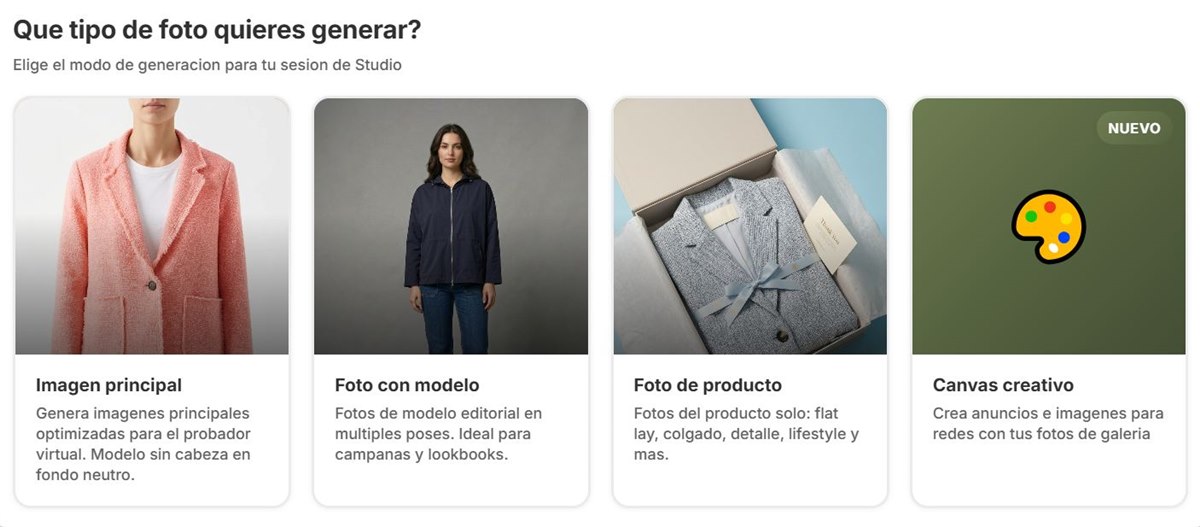
With the full product page option, Studio generates in one go the four photos a garment usually needs in your store.
The one shown in the product listing: body framed, no face and a clean background. Consistent across your whole catalog.
The garment being worn, in your brand's pose and setting. It can be your usual virtual model.
A close-up of the fabric, the neckline, the buttons or the print: what the shopper would want to touch.
What the garment looks like from behind. It answers the question for anyone wondering whether it has a low back, a zip or a print.
Photos are half of the product page. The other half is the copy, and writing it garment by garment is what falls furthest behind. Studio writes the product page copy and publishes it together with the photos.
When you choose the garment, you can add context in free text: fabric, color, neckline, length or design details. That's what shoppers look for when they can't touch the garment. Always review the copy before publishing, especially composition, measurements and care.
Product page copy isn't included in the Free plan; it is in Studio and Studio +.
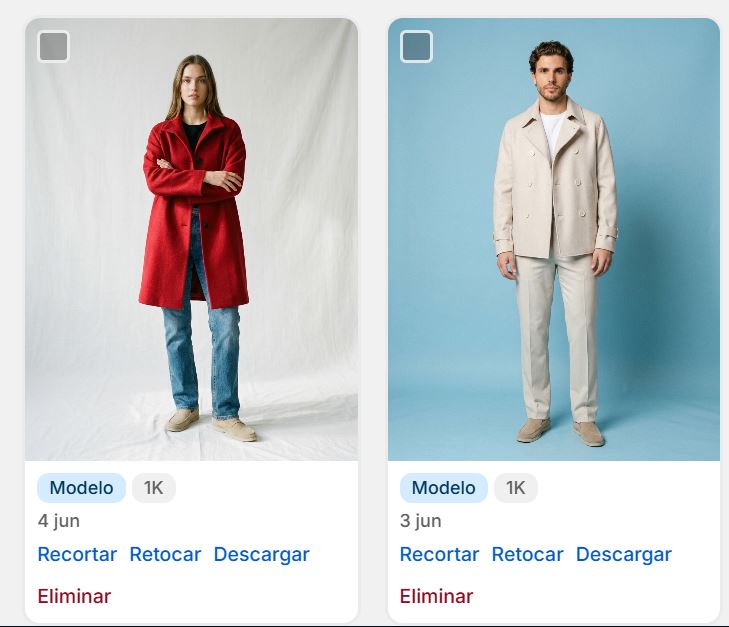
Studio reads your catalog, so there's nothing to upload or copy by hand: you choose the garment, generate, and publish photos and copy to its product page.
Install the official STILARO-STUDIO app. Billing goes on your Shopify invoice. More on Stilaro for Shopify.
Sign up on our website, get your access key by email and install the plugin. Studio appears in the «Stilaro Studio» menu. Details on Stilaro for WooCommerce.
The same process with the PrestaShop module. Details on Stilaro for PrestaShop.
We build custom integrations. Write to us and we'll look into it.
Each photo is generated in the format you choose. These are the six available, and where they're usually used.
| Format | Typical use |
|---|---|
| 2:3 | Vertical fashion product pages, with a full-body model |
| 3:4 | Vertical product pages and store galleries |
| 4:5 | Instagram and Facebook feed posts |
| 1:1 | Square listings, marketplaces and thumbnails |
| 9:16 | Stories, Reels and TikTok |
| 16:9 | Website banners, collection headers and email |
Each photo comes in Standard quality (2K, 1 credit) or High (4K, 2 credits). Photos stay in your history (15 days on Free and Studio, unlimited on Studio +) and you can organize them in folders. Plans and credits on our pricing page.
Four photos generated at once: the main photo, an on-model photo, a detail and the back. On paid plans, Studio also writes the product page copy.
Yes. Studio writes the product page copy and publishes it together with the photos. It's not included in the Free plan; it is in Studio and Studio +.
Studio reads your store's catalog and publishes the photos and copy to the product page on Shopify, WooCommerce or PrestaShop. You decide what gets published.
Studio generates in 2:3, 3:4, 4:5, 1:1, 9:16 and 16:9. Product pages usually use the vertical formats (2:3, 3:4) or square; 4:5 and 9:16 for social media, and 16:9 for banners.
For other platforms we build custom integrations. In the meantime, you can use Studio at studio.stilaroia.com and download the photos.
Try Studio for free with 30 credits per month and generate photos of your garments before you decide anything.