
On-model photo
The garment worn by a person, in your brand's pose and setting. It's the photo that best helps shoppers picture how it looks.
Upload a photo of a garment and Studio gives you back on-model photos, product photos and the full product page, ready to publish. No studio, no photographer and no waiting for the next shoot.
Free plan with 30 credits per month. No card and no lock-in.
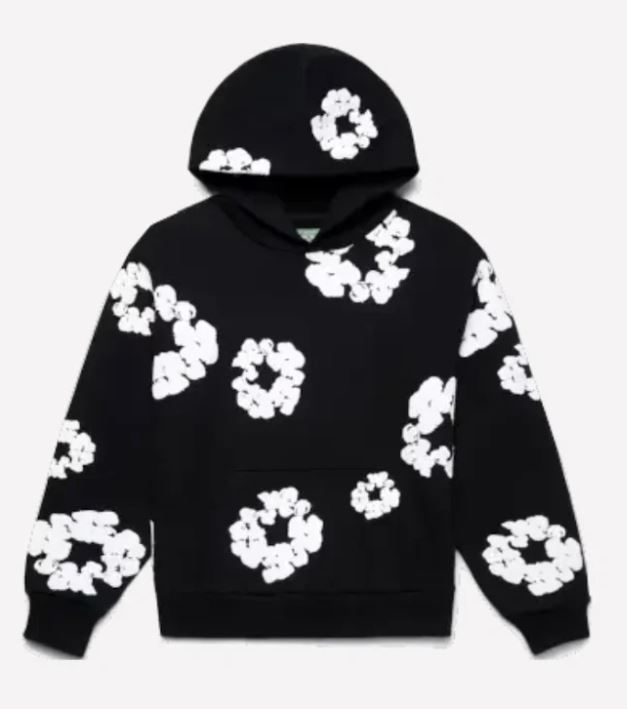
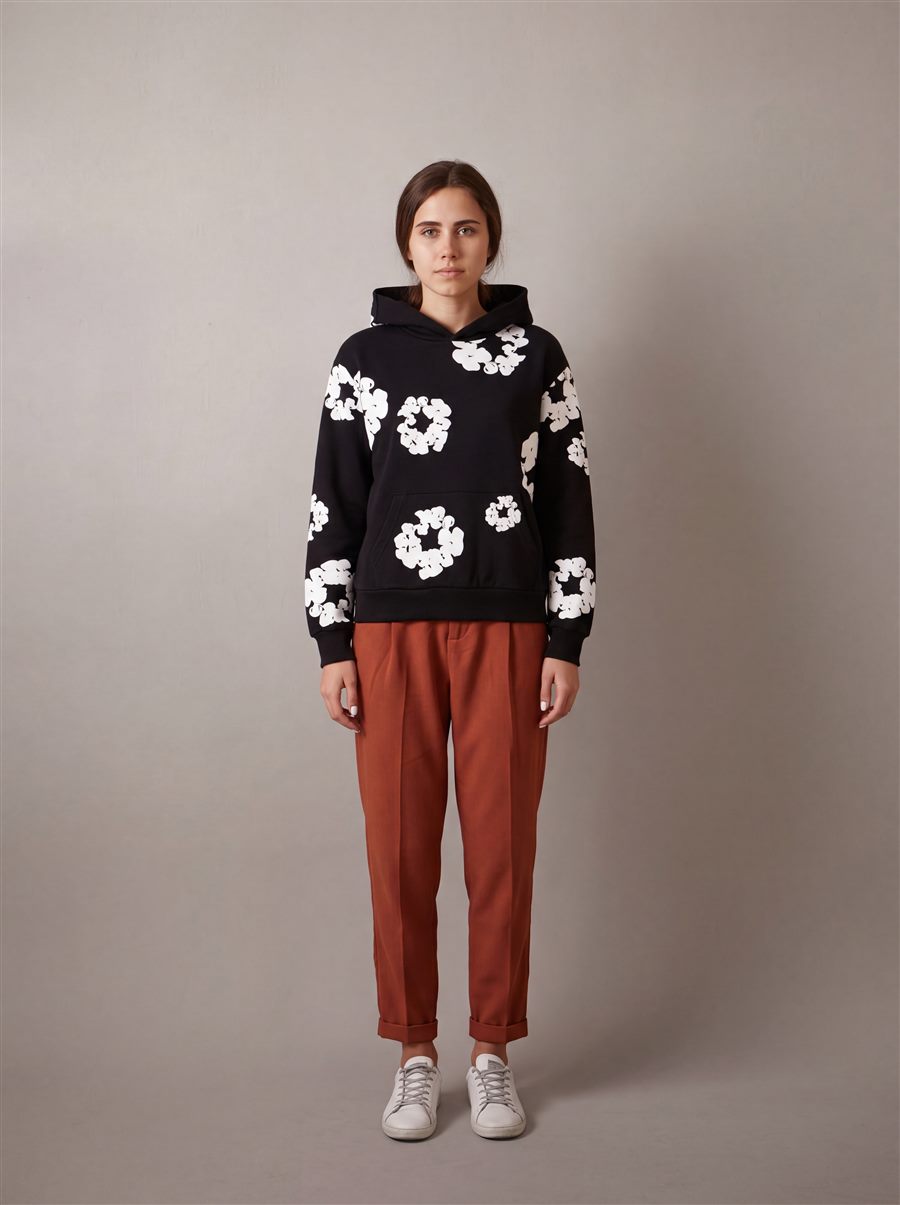
Each photo type covers one part of the product page. Ask for just one, or all of them at once.
The garment worn by a person, in your brand's pose and setting. It's the photo that best helps shoppers picture how it looks.
The product-page shot: body framed, no face and a clean background. Consistent across your whole catalog.
Just the garment, no person: flat lay, on a hanger or in detail.
Four photos at once (main, model, detail and back) and, on paid plans, the product page copy written by Studio.
From your store's catalog or by uploading a photo from your device. If you like, add context: the fabric, the length, the neckline or that design detail you can't afford to lose.
Decide who wears it (your model, one created with AI or a ready-made one), where (a background, a photo of your own or one of your Styles), how they pose and the format and quality of the output.
Photos are ready in seconds. If something isn't quite right, paint over the area and write what needs fixing: that's area retouching.
Save your photos in folders and upload them to the product page on Shopify, WooCommerce or PrestaShop, with the copy already written.
A generic image generator doesn't know what a mandarin collar is, or that the chest logo has to look the same in every photo. Studio is built only for clothing and accessories, and its priority is that the generated garment is yours.
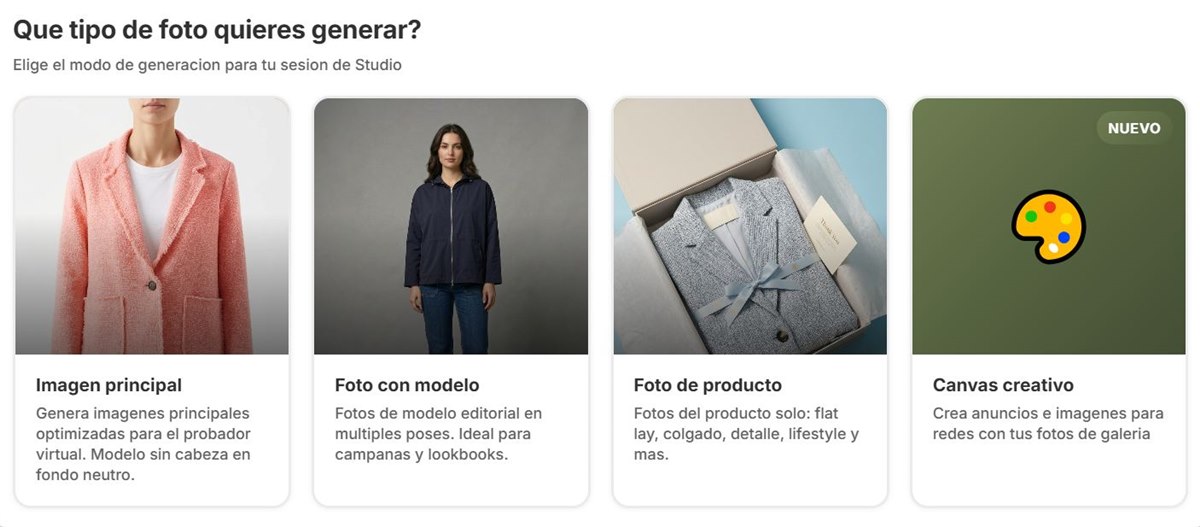
Stilaro runs on credits. Each photo uses credits depending on the quality you choose.
| Standard | High | |
|---|---|---|
| Resolution (long side) | 2K | 4K |
| Credits per photo | 1 | 2 |
| Formats | 2:3, 3:4, 4:5, 1:1, 9:16 and 16:9 | |
Free: 30 credits per month, no card; photos carry a watermark. Studio: €50/month with 250 credits (500 in your first month on Shopify). Studio +: €240/month with 1,500 credits, batch, outfit, your brand's Styles and unlimited history. Prices exclude VAT. All the details on our pricing page.
A photo of the garment: the one from your supplier, one taken with your phone or one from a previous shoot. Studio uses it as a reference and generates on-model photos, product photos or the full product page.
Studio is built for fashion only and puts garment accuracy first. Before generating, you can describe the fabric, the color or a detail you don't want to lose, and afterwards retouch any area by painting over it and saying what to fix.
Stilaro runs on credits: a photo in Standard quality (2K) uses 1 credit and in High (4K), 2. The Free plan gives you 30 credits per month with no card, Studio costs €50/month with 250 credits and Studio + €240/month with 1,500. Prices exclude VAT.
Yes. With batch mode you generate up to 20 garments at once with the same settings, one photo per garment. It's included in the Studio + plan.
With Shopify (official app), WooCommerce and PrestaShop. Studio reads the garments in your catalog and publishes the photos and copy to the product page. For other platforms we build custom integrations.
30 free credits per month to see how your garments look before you decide anything.