Light
Soft or hard, warm or cool, studio or outdoor. It's the first thing that gives away that two photos aren't from the same shoot.
A Style is the look and feel of a shoot or a season, saved in Stilaro Studio: light, camera, framing, attitude and set. It's for fashion brands that want the same style in every photo of their catalog, even when garments arrive weeks apart.
Your brand's Styles are part of the Studio + plan. No lock-in.
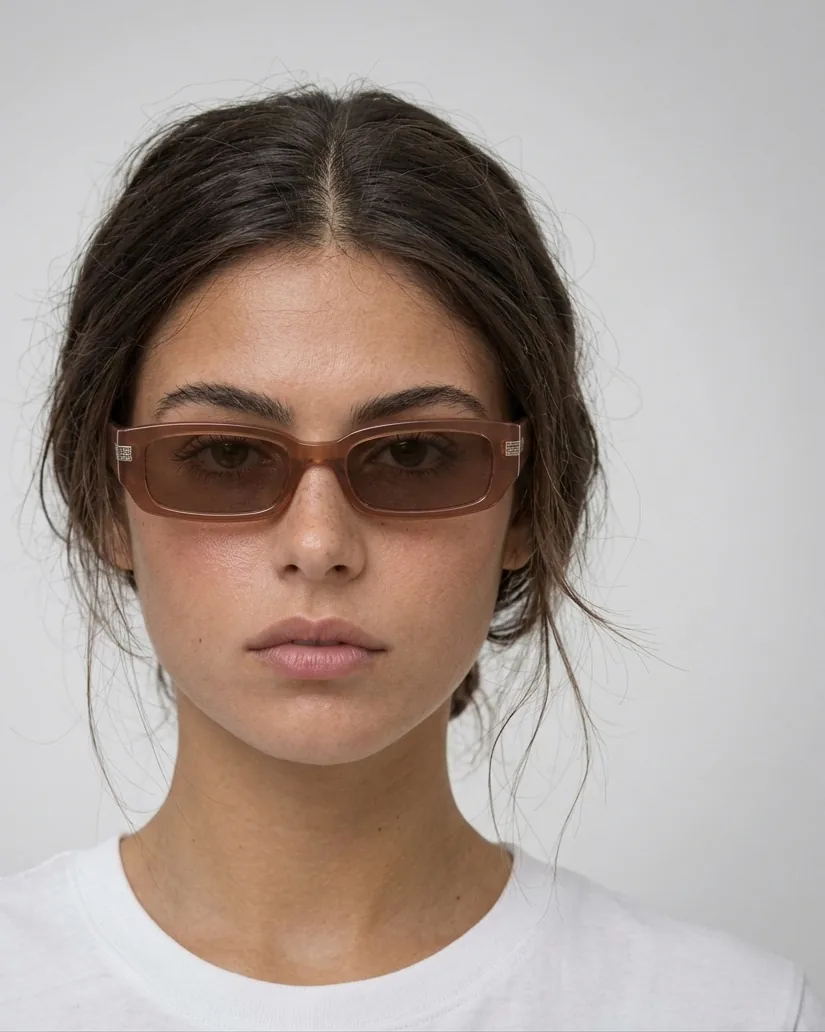
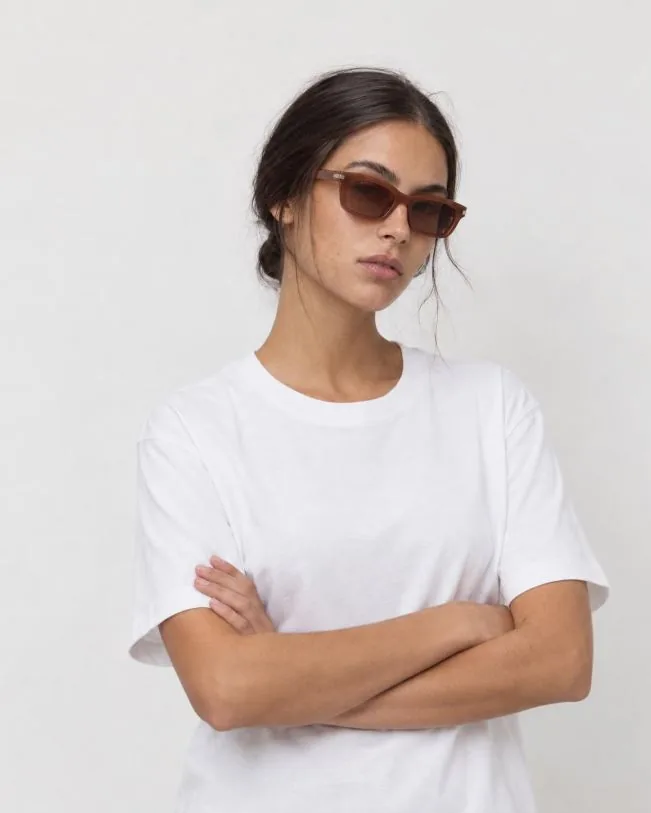
Garments reach the store at different times. Some come with the supplier's photo, others from a shoot a year ago and others from a quick phone snap. Each with its own light, background and framing. Put it all together and the catalog looks like it belongs to several different stores.
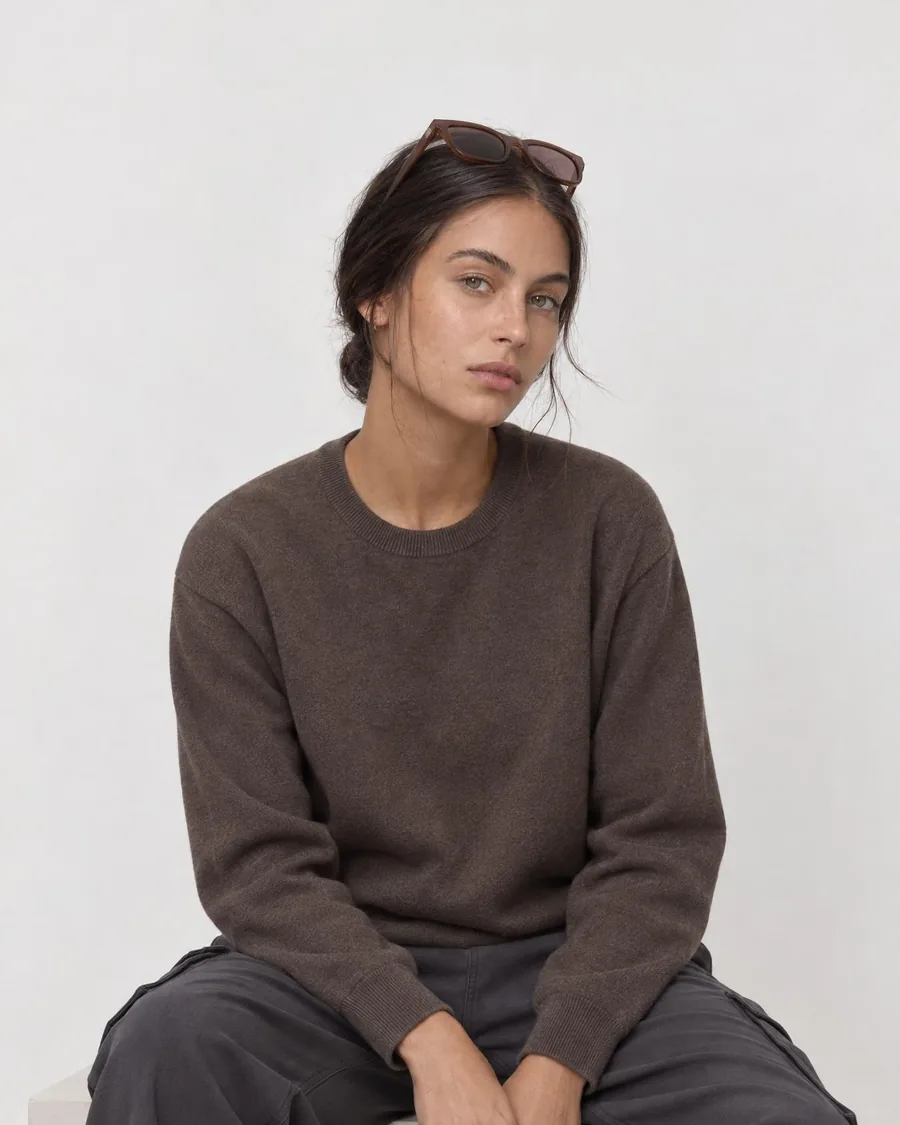
A Style fixes that. You gather a few reference photos with the vibe you want for the collection, save them as a Style and choose it as the background when generating. Studio follows that guide so every new garment comes out with the same look and feel as the ones before.
The reference photos set five things that, together, make a shoot recognizable.
Soft or hard, warm or cool, studio or outdoor. It's the first thing that gives away that two photos aren't from the same shoot.
Where the model is seen from, and how close. Keeping it the same makes garments easy to compare.
How much of the body is in the shot and how it sits in the photo: close-up, medium shot or full body.
The model's expression and gestures. Serious and editorial, or warm and smiling: it's part of the brand's personality.
The background and what surrounds the model: a plain wall, a studio, a street. The same for the whole collection.
Upload them from your device: from a shoot you like, your latest campaign or your moodboard. If you don't have photos of your own, generate them in Studio.
The Style stays in your account. You can have one per season, per collection or per shoot.
When generating, instead of a preset background or the clean catalog background, you choose your Style. Combine it with your saved model so the person is always the same too.
Change the references and the next garments will come out with the new look and feel.
A Style works best at volume. On Studio + you can choose it and batch-generate up to 20 garments with the same settings, one photo per garment, or dress the model in an outfit of up to 6 garments in the same photo.
Creating, saving and editing your brand's Styles is part of the Studio + plan: €240/month with 1,500 credits, batch, outfit and unlimited history. Once you run out of credits, each extra credit costs €0.16. Prices exclude VAT, with no lock-in.
On the other plans you choose between a generated background, preset backgrounds or a clean catalog background; using your own photo as a background is available on the paid plans. Compare the plans on our pricing page.
It's the look and feel of a shoot or a season, saved from a set of reference photos. You choose it as the background when generating, and it sets the light, camera, framing, attitude and set of the photo.
No. You can upload reference photos from your device or generate them in Studio and use them to create the Style.
Yes. You can save several Styles, by season or by shoot, and edit them when the collection changes.
No. The Style sets the look and feel of the photo; the garment comes from the photo you upload or pick from your catalog. If something doesn't look right, you fix it with area retouching.
Your brand's Styles (creating them, saving them by season or shoot and editing them) are part of the Studio + plan, which costs €240/month excl. VAT with 1,500 credits. They are not included in the Free plan.
Start for free with 30 credits per month and move to Studio + whenever you want to save your brand's Styles.